AI Lab website: sample P, three new effects

Every overlay here is real model output, computed offline on an official Stevens photo; the faculty photos are untouched, and the links open each page with motion on.

  1. Sample PA: Object Relations

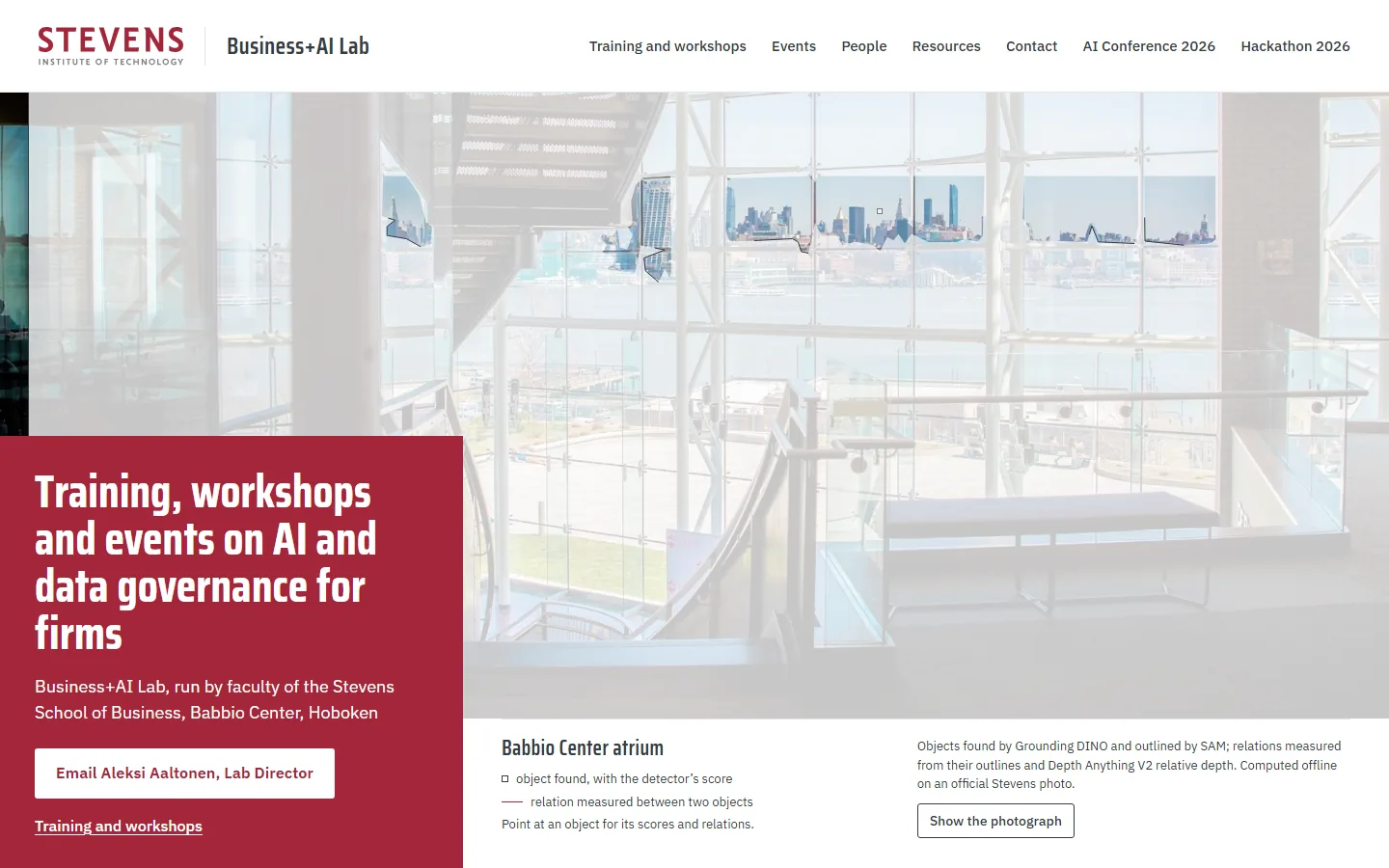
    1. Sample PA on a laptop, moment 1: a white sheet sweeps over the atrium photo and the first far objects open in colour1The sheet sweeps in, far objects open first
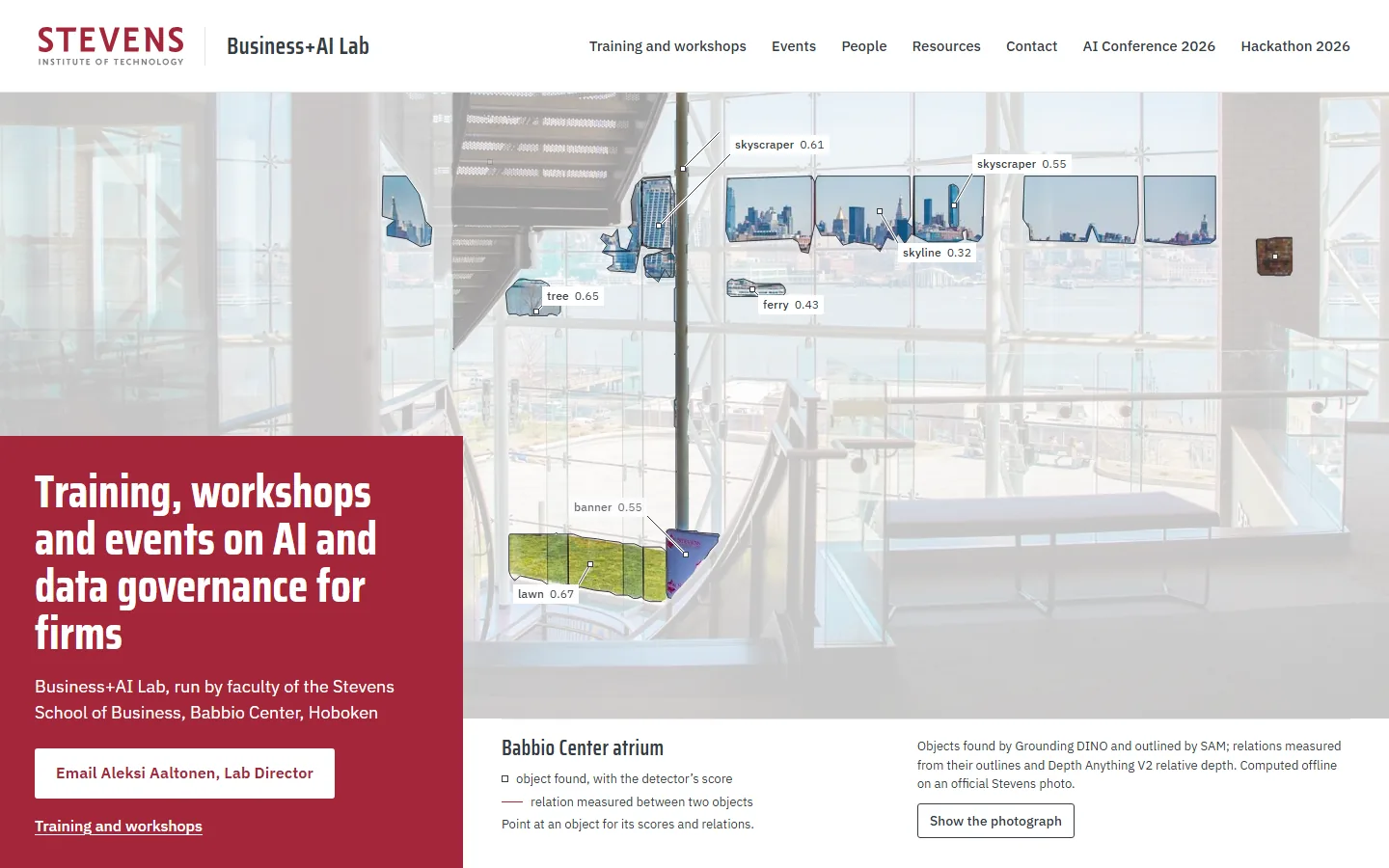
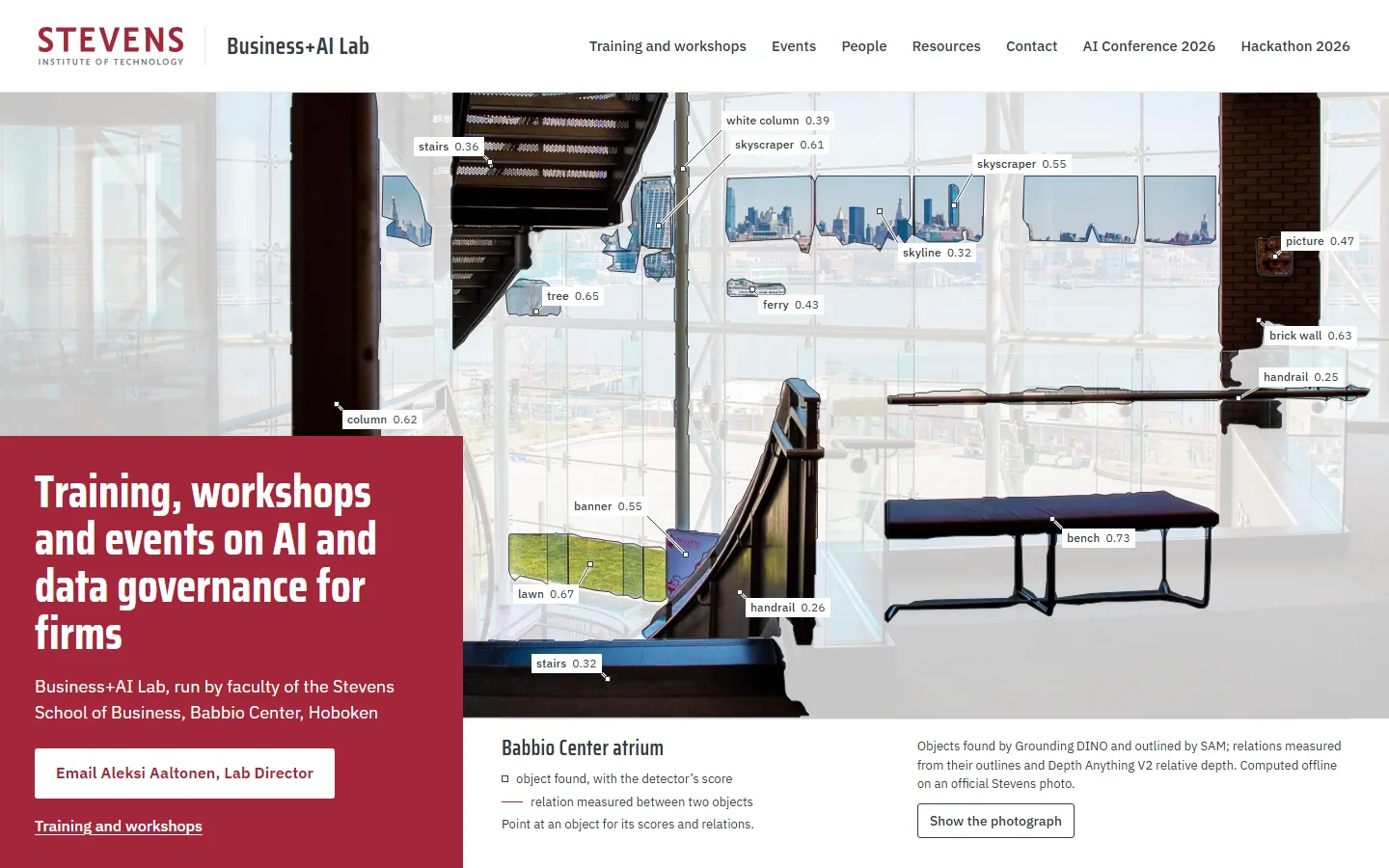
    2. Sample PA on a laptop, moment 2: skyline, tree, ferry, lawn and banner cut out and labelled2Objects open from far to near
    3. Sample PA on a laptop, moment 3: every object outlined and labelled with its score3Every object outlined and labelled
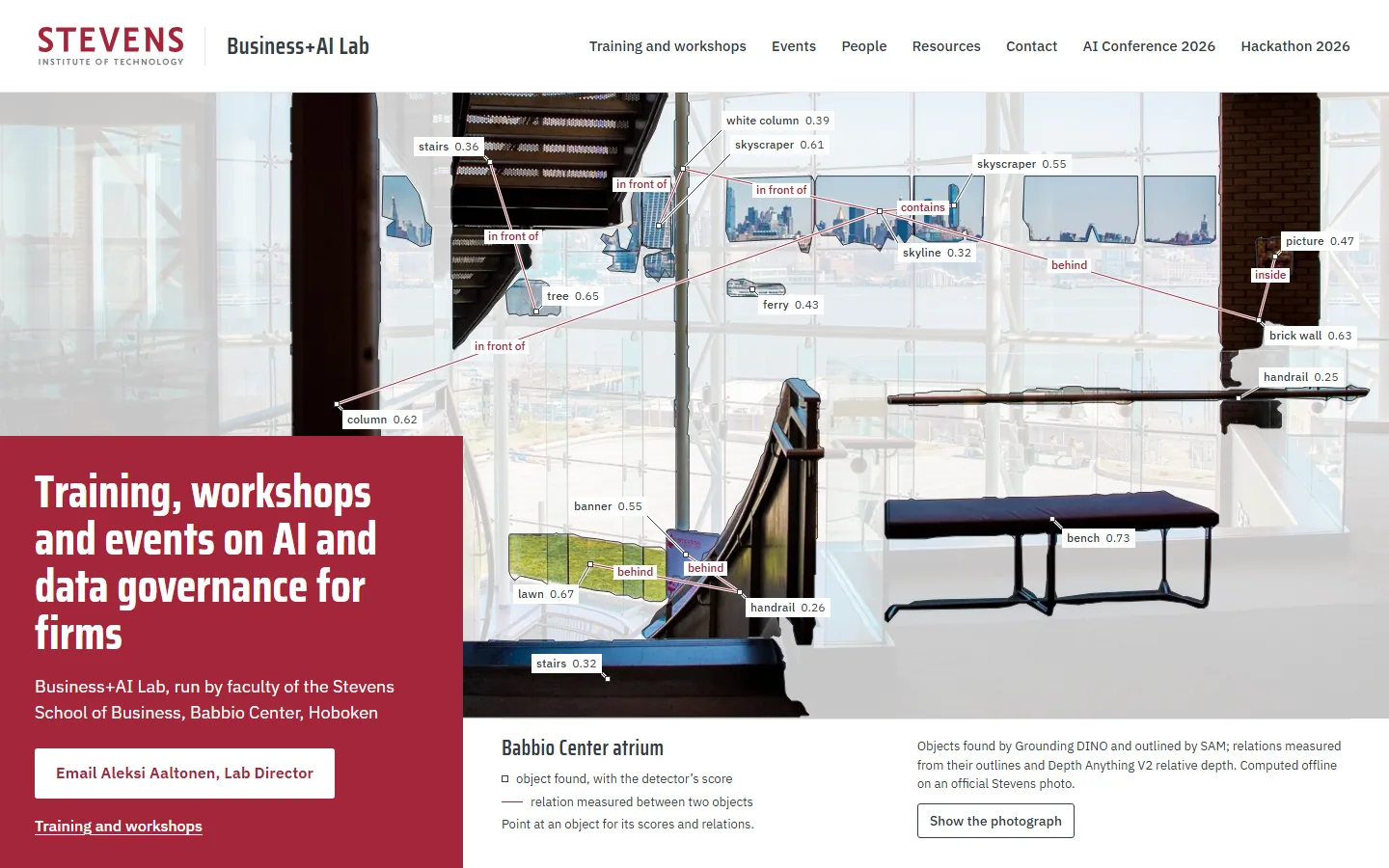
    4. Sample PA on a laptop, moment 4: at rest, thin red lines name the relations between objects4At rest, the relations drawn in red
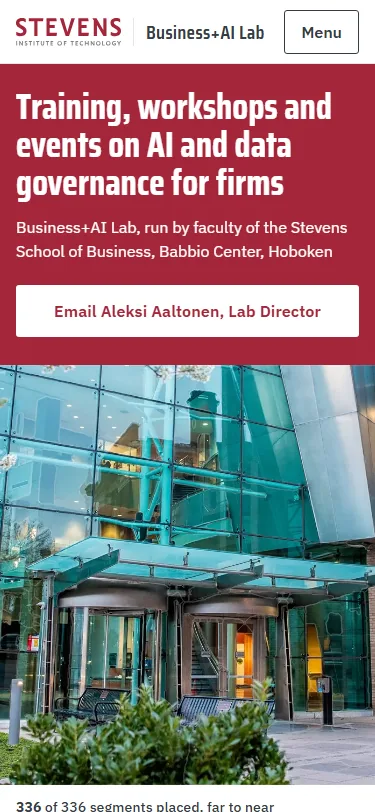
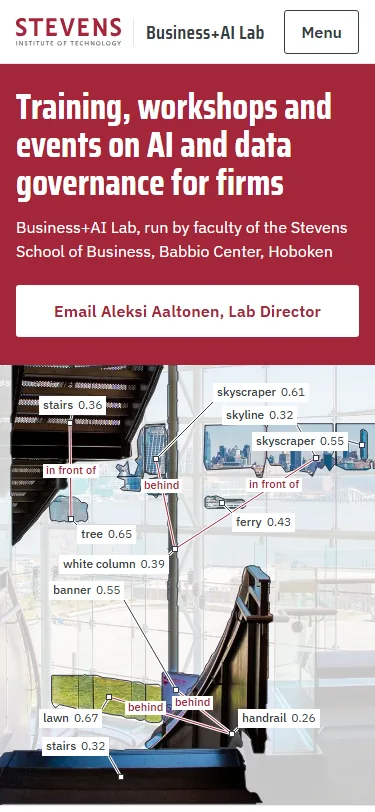
    Sample PA, first screen on a phonePhone, first screen

    The Babbio Center atrium sits under a light white sheet, and each object the models found is cut out of it in full colour, outlined and labelled with the detector’s score. Thin red lines join related objects and name what was measured from their outlines and depth, such as “lawn behind handrail”, and pointing at an object shows all of its relations.

    The original P, Data Double, with motion on

  2. Sample PB: Built by the Model

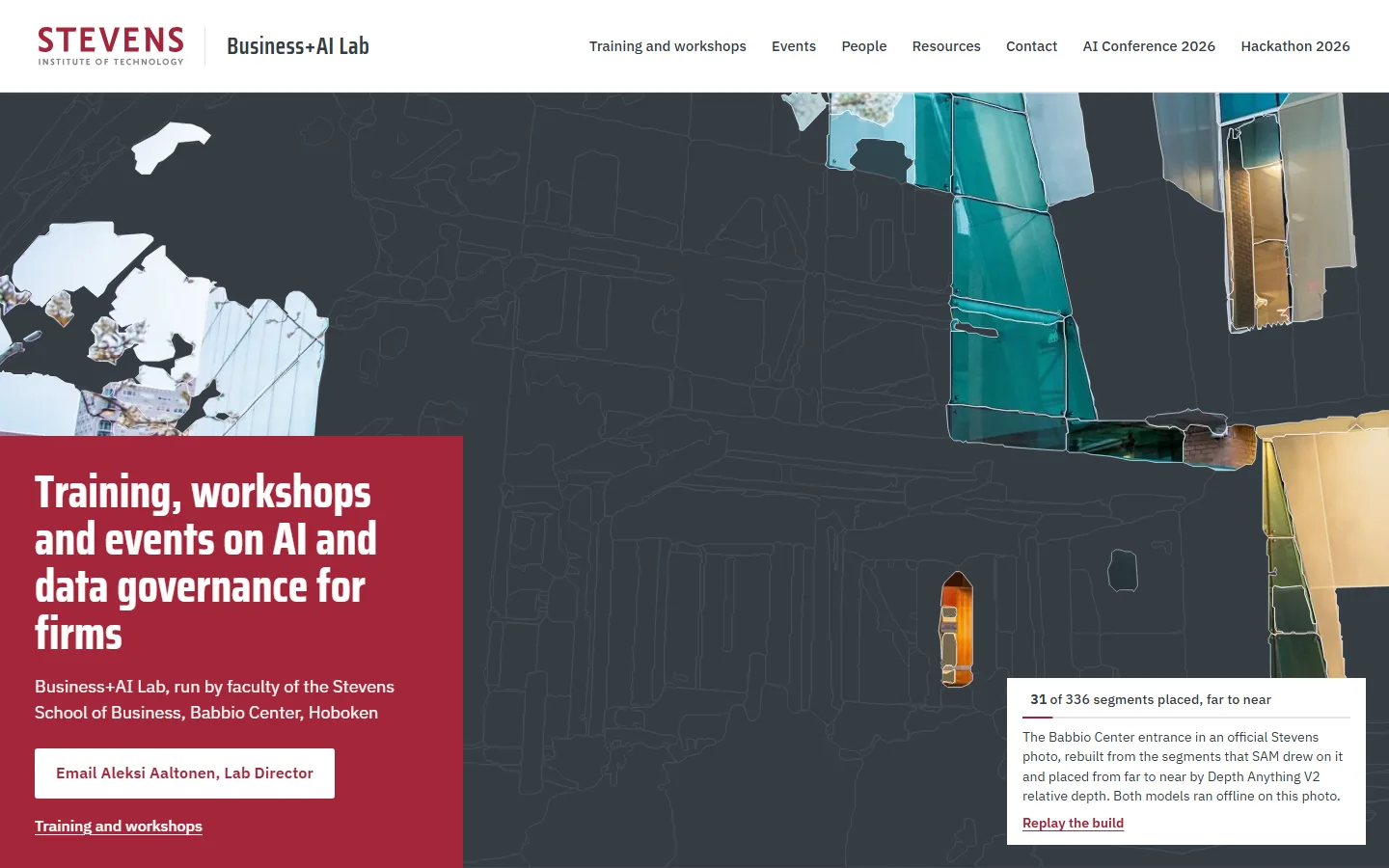
    1. Sample PB on a laptop, moment 1: a dark ground with the faint plan of the segments, the farthest pieces of sky, towers and glass placed first1The farthest segments first, 31 of 336 placed
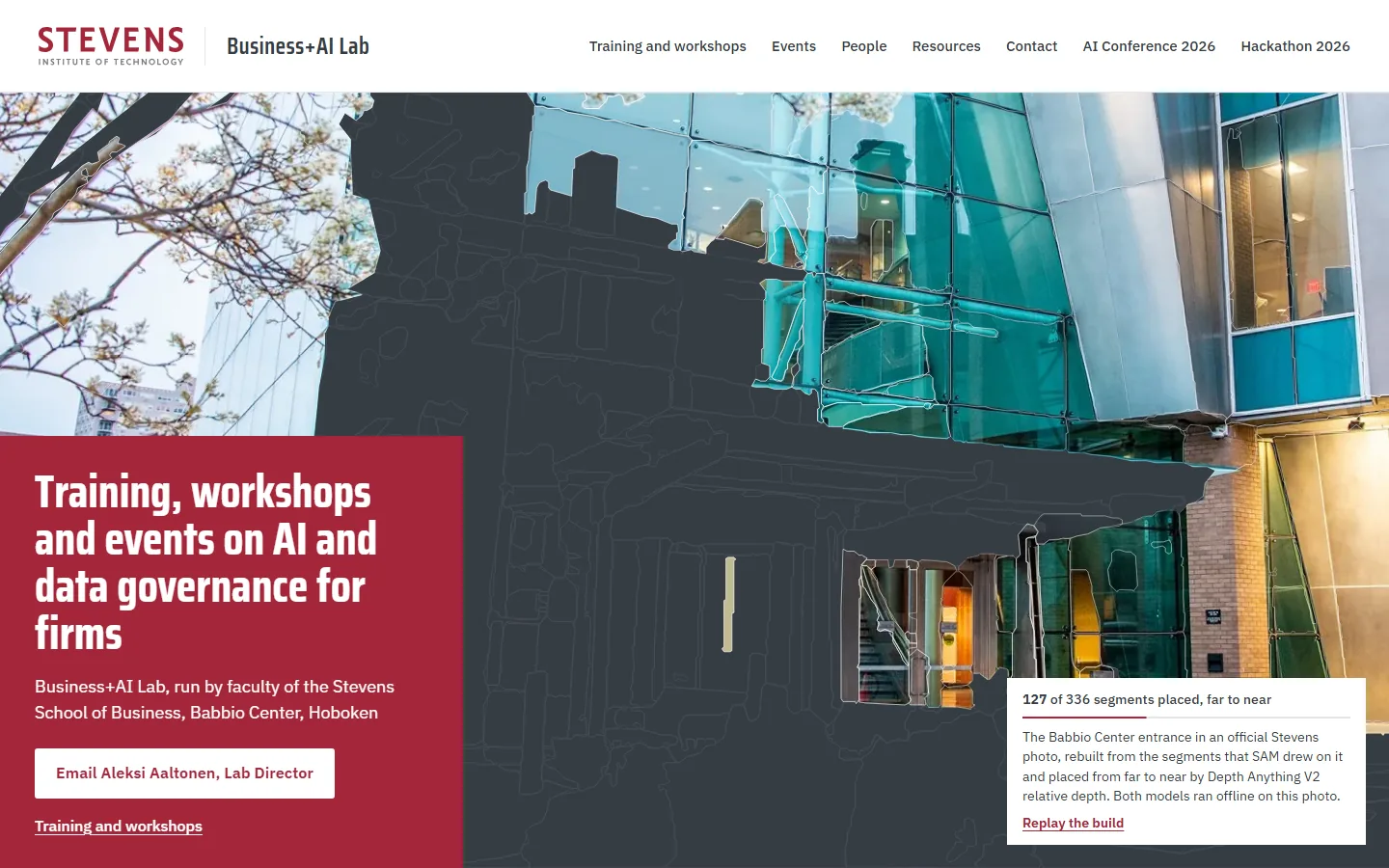
    2. Sample PB on a laptop, moment 2: the upper glass and cladding placed2Upper glass and cladding, 127 placed
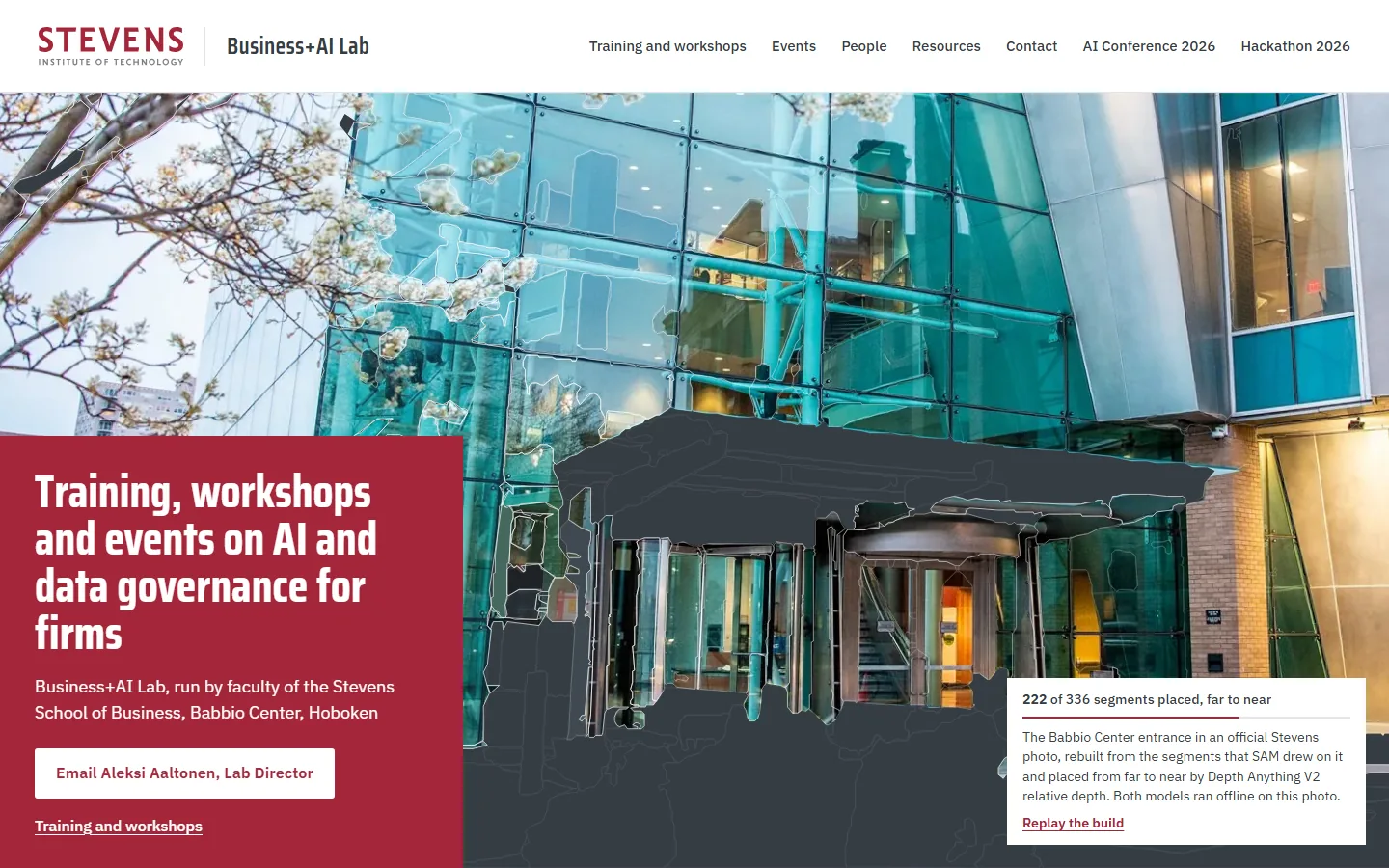
    3. Sample PB on a laptop, moment 3: the curtain wall and doors placed, the canopy still dark3Curtain wall and doors, 222 placed
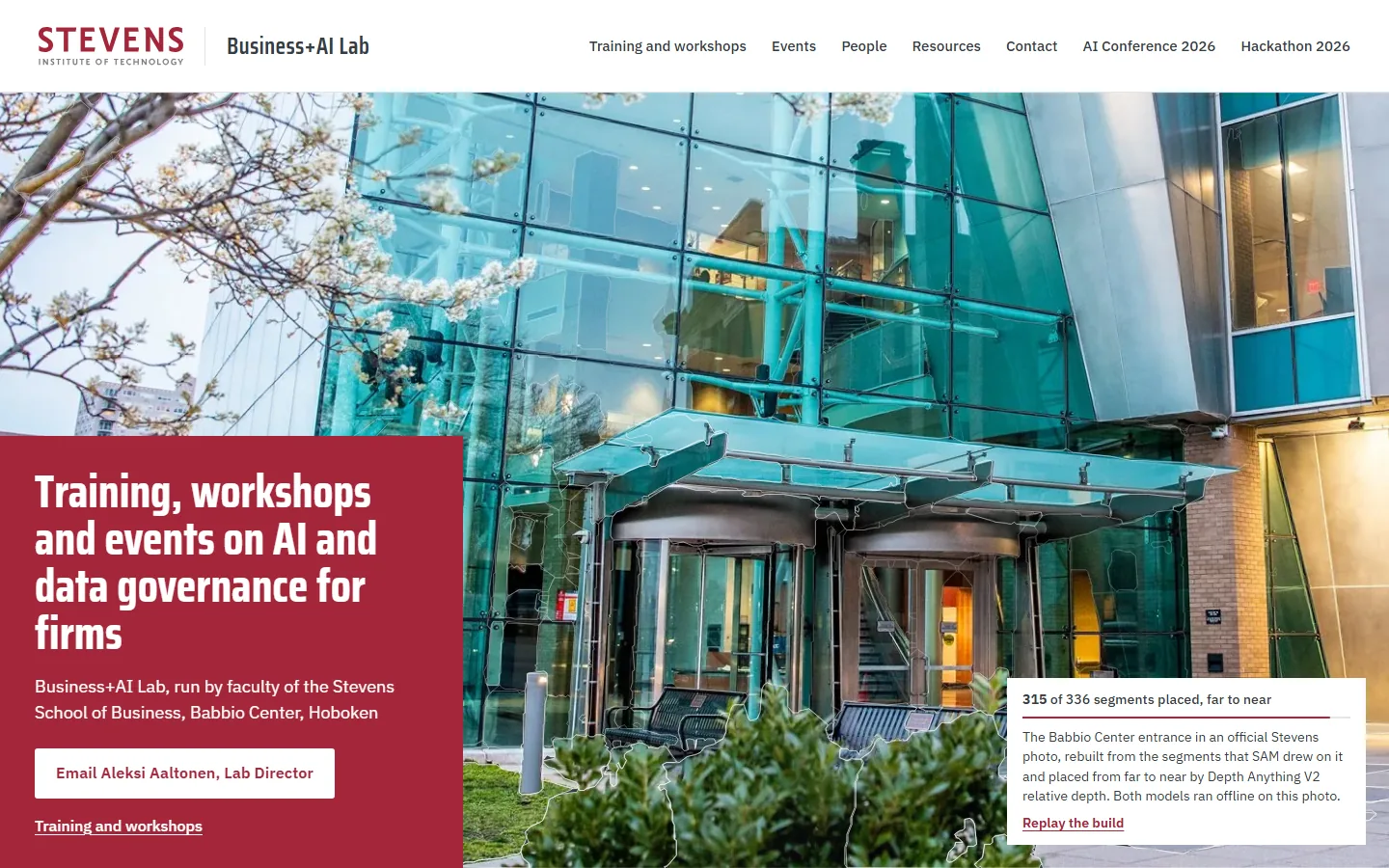
    4. Sample PB on a laptop, moment 4: canopy, benches and shrub in, the photo nearly whole4Canopy, benches and shrub, 315 placed
    Sample PB, first screen on a phonePhone, first screen

    The Babbio Center entrance, the same photo as P, starts as a dark ground carrying the faint plan of the 336 segments SAM drew on it. The segments land from far to near in the order Depth Anything V2 gives them, most first as flat colour and then as the photo, and pointing at one reads out its place in the build, its depth and its size.

    The original P, Data Double, with motion on

  3. Sample PC: Depth Cloud

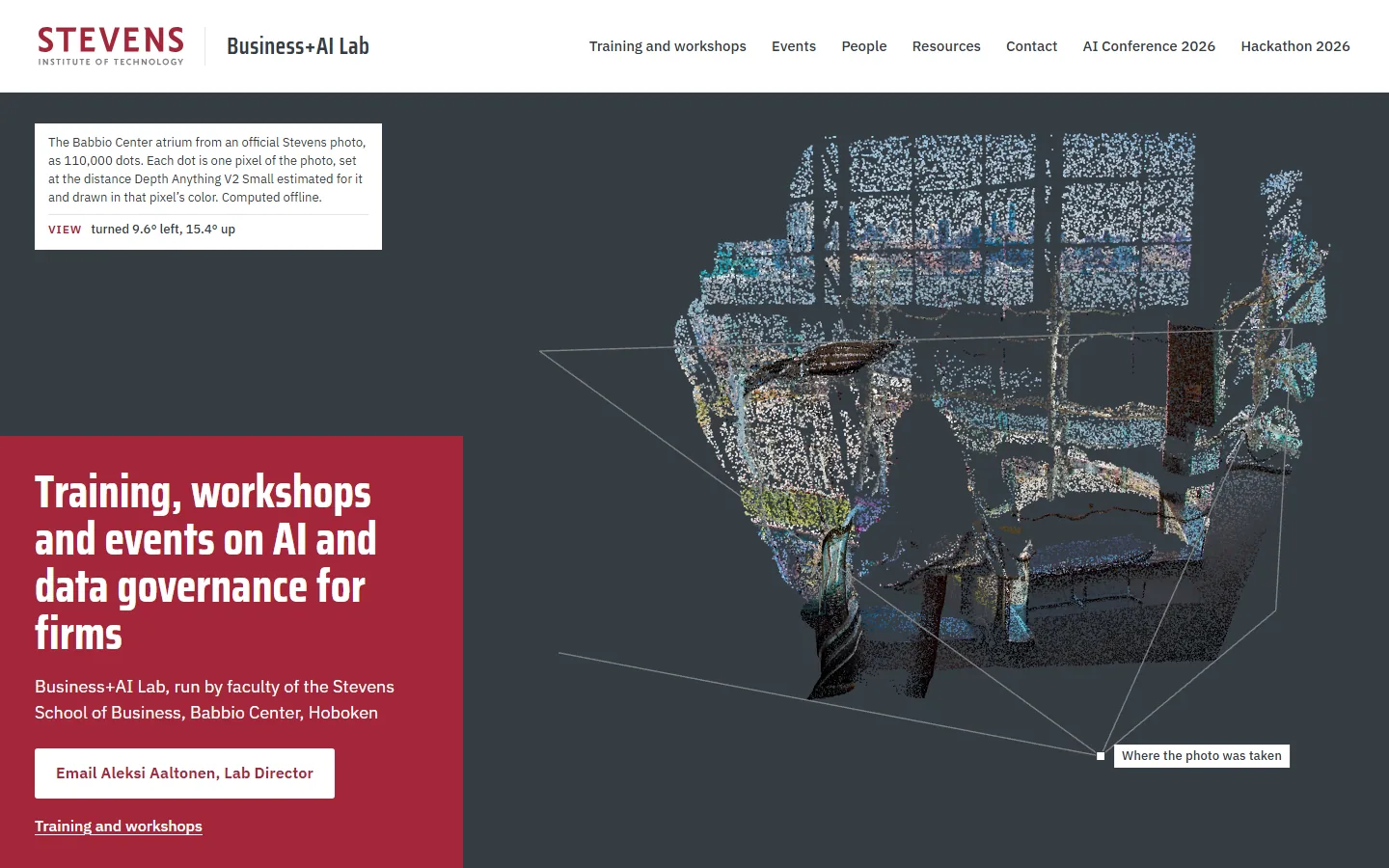
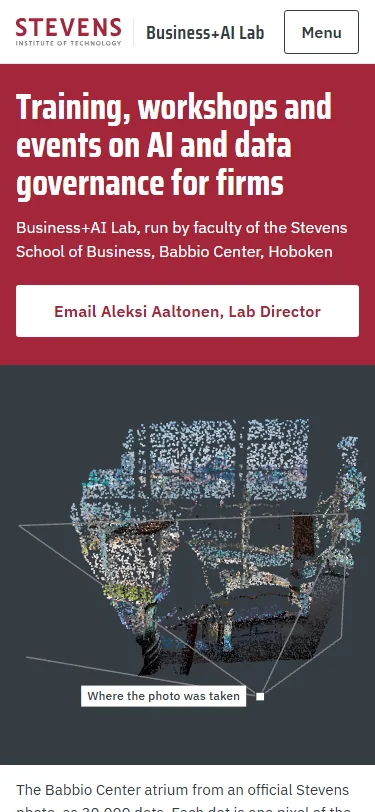
    1. Sample PC on a laptop, moment 1: the atrium as a cloud of coloured dots, turned to show its depth, with lines to where the photo was taken1The cloud, turned to show its depth
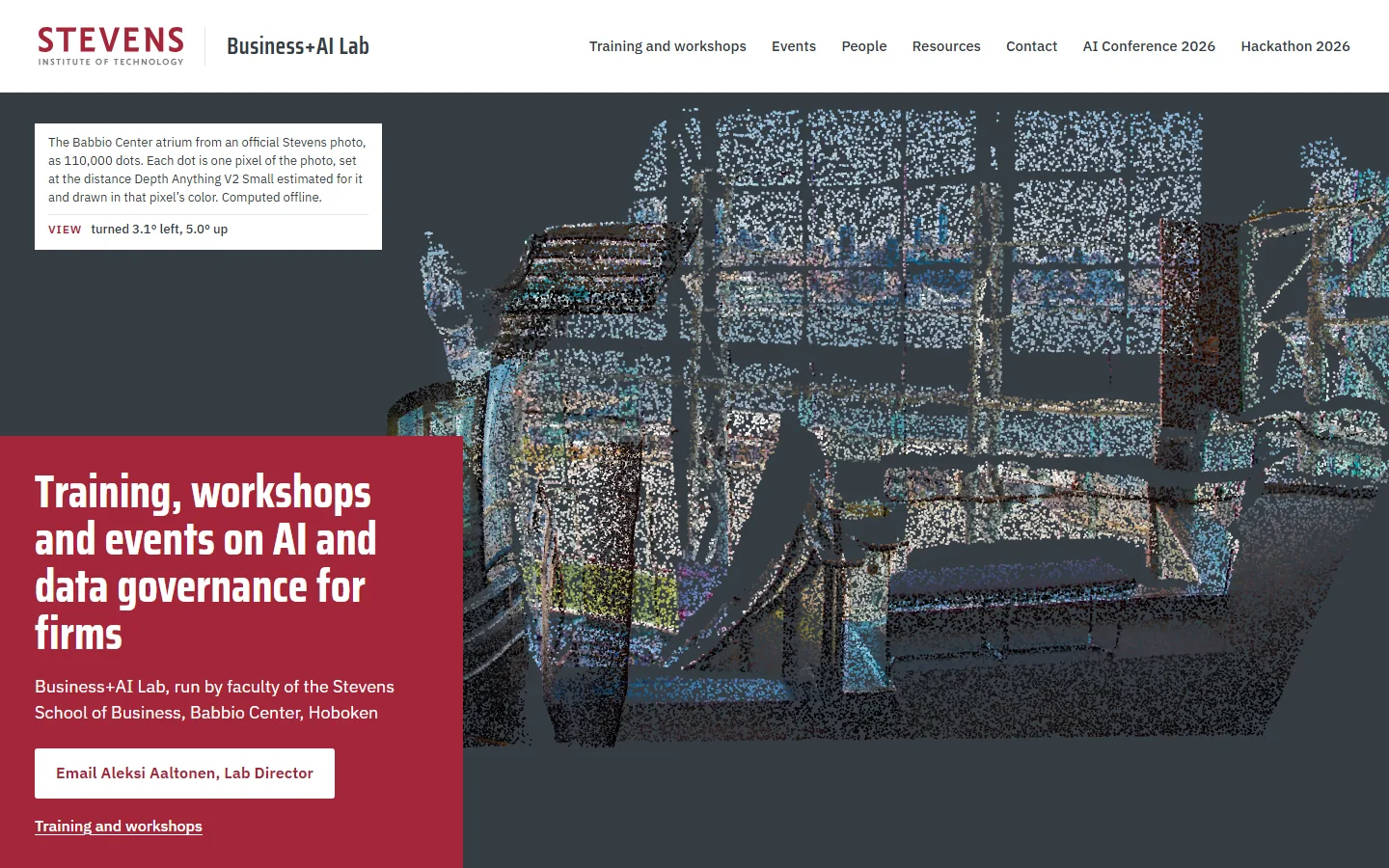
    2. Sample PC on a laptop, moment 2: scrolling flies the view toward the photo's viewpoint2Scroll: flying to the photo’s viewpoint
    3. Sample PC on a laptop, moment 3: at the photo's viewpoint each dot sits on its own pixel as the photograph fades in3Each dot back on its own pixel
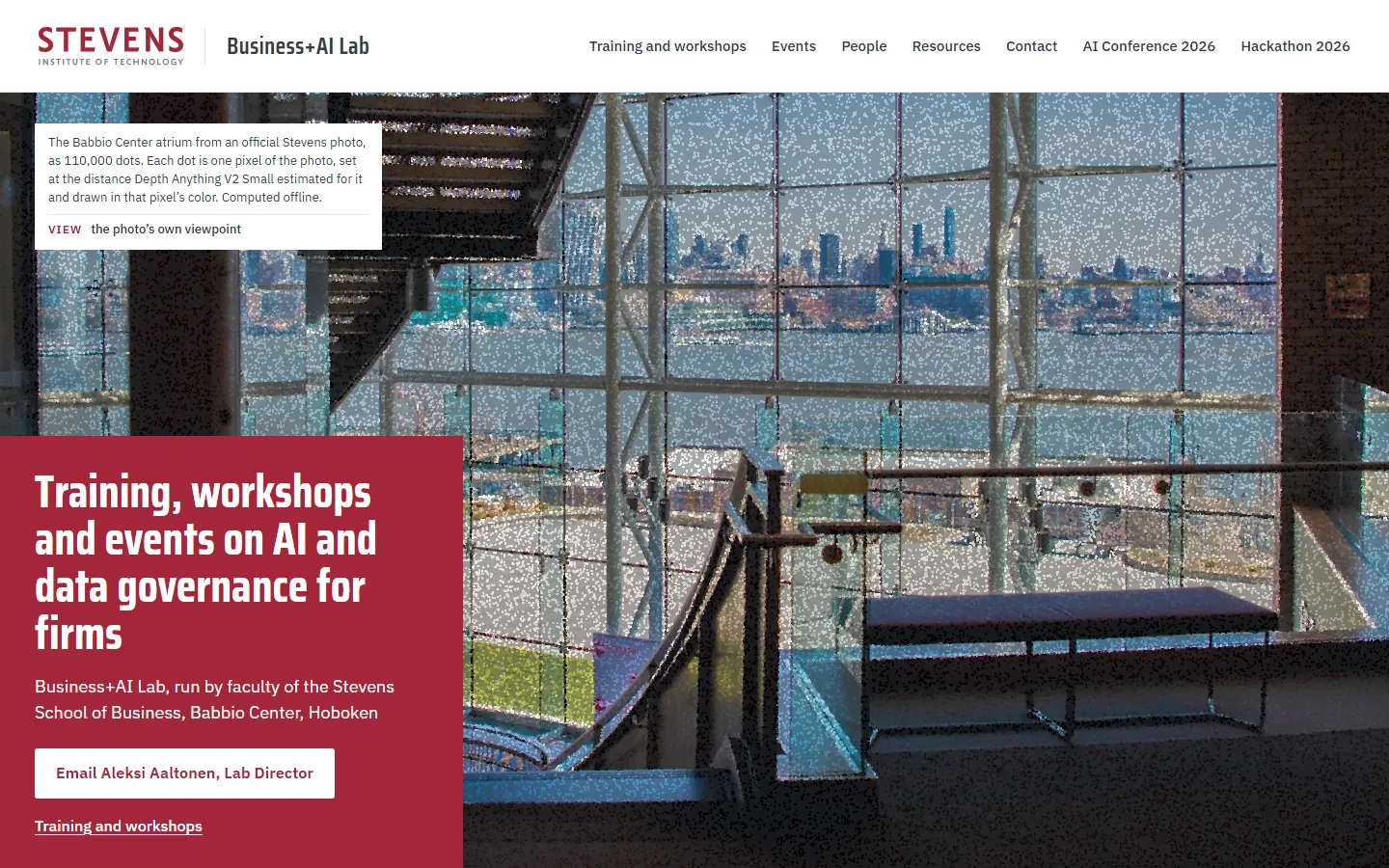
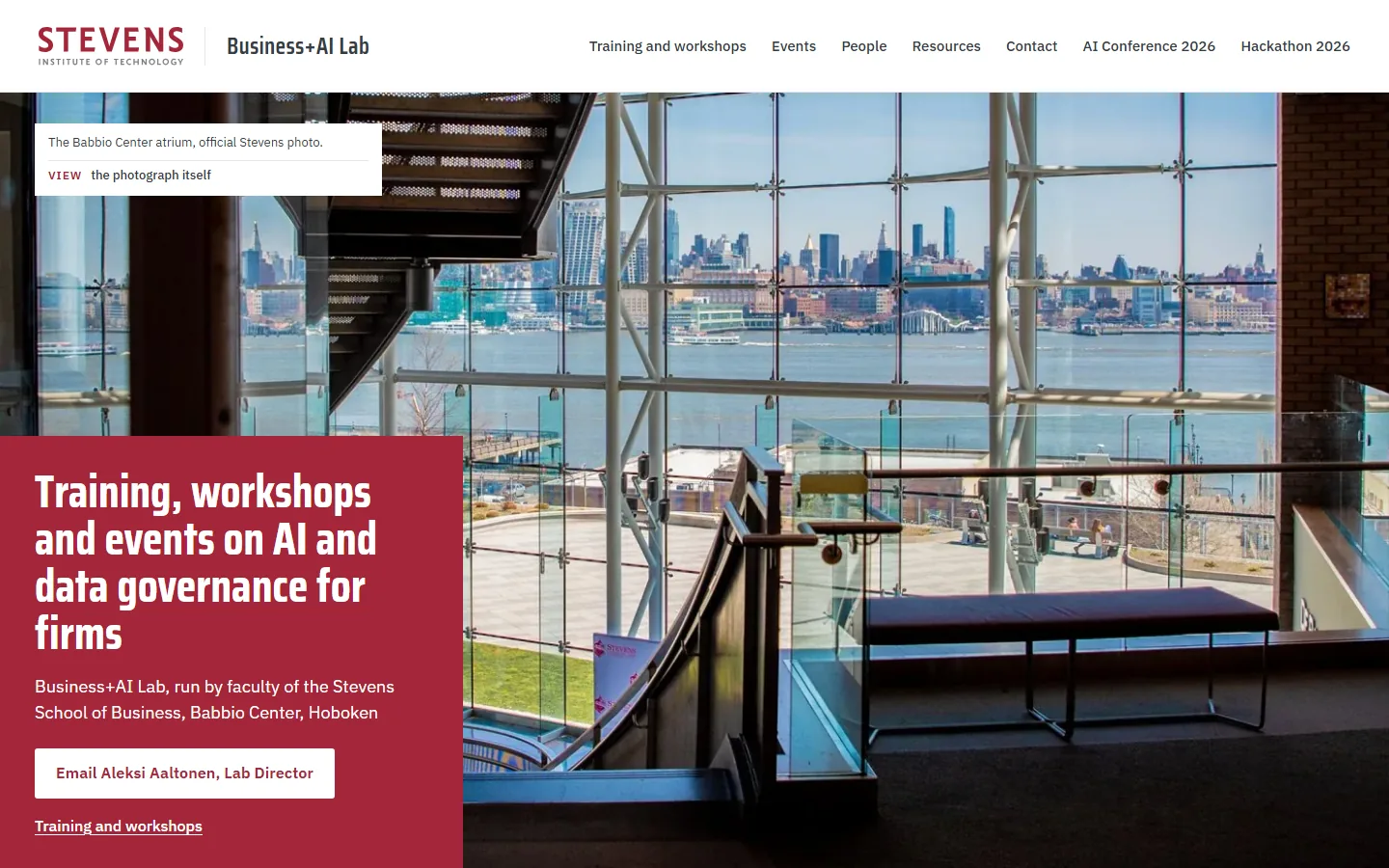
    4. Sample PC on a laptop, moment 4: the photograph itself4The photograph itself
    Sample PC, first screen on a phonePhone, first screen

    The Babbio Center atrium as 110,000 dots (30,000 on a phone), each one pixel of the photo set at the distance Depth Anything V2 estimated for it and drawn in that pixel’s colour, seen a little from the side with lines to where the photo was taken. On load a depth wave pushes each dot forward or back out of a flat picture, the view turns slightly with the pointer, and scrolling flies back to the photo’s own viewpoint until the dots become the photograph.

    The original P, Data Double, with motion on